
Processing…
Web & cybersecurity
Google fixes CVE-2026-85046, a vulnerability in the V8 JavaScript engine already being exploited in attacks. Here are the affected versions and the checks to perform in Chrome.
Google has fixed a major vulnerability in Chrome, tracked as CVE-2026-85046. The flaw affects V8, the browser’s JavaScript engine, and Google confirms that an exploit already exists in the wild. Chrome users should therefore check that their browser has received the security update released in early September.
This is not merely an issue for developers. Chrome is used every day to access email, business tools, administration areas, banking services, SaaS platforms, and internal applications. When a browser vulnerability is actively exploited, the workstation itself becomes an important part of information system security.
The CVE-2026-85046 vulnerability is a type confusion error in V8. It may allow a remote attacker to execute arbitrary code inside the browser sandbox through a specially crafted HTML page. Its CVSS score is rated at 8.8 out of 10, with low attack complexity and no prior authentication required, although user interaction is still necessary.
Most importantly, Google says that an exploit for this vulnerability is already being used in real-world attacks. The fix should therefore not be treated as a merely optional update.
The vulnerability is located in V8, the JavaScript engine developed by Google and used by Chrome to interpret and execute JavaScript on websites.
V8 is a particularly sensitive browser component. When you open a modern web application, an email service, a dashboard, or simply a site containing JavaScript, some of that code is processed by this engine.
CVE-2026-85046 more specifically involves what is known as a type confusion error. In programming, data normally has a defined type and must be handled accordingly. When a program interprets a memory area as a different type from the one intended, its behavior can become unpredictable and lead to security issues.
In this case, the vulnerability description indicates that a specially crafted HTML page may allow a remote attacker to execute arbitrary code inside Chrome’s sandbox.
The sandbox is precisely one of the essential protections provided by modern browsers: it aims to isolate Web content from the rest of the computer. A vulnerability capable of executing code in this environment can therefore represent a potentially important first step in an attack chain.
A vulnerability is generally called a zero-day when attackers are exploiting it while users do not yet have the necessary fix, or when its exploitation is discovered at the time the fix becomes available.
This is what makes the situation more urgent than a vulnerability discovered only during a security audit.
Google explicitly states that it is aware of an exploit for CVE-2026-85046 “in the wild,” meaning that it is being used outside a research or demonstration environment.
This does not mean that every computer running an older version of Chrome has been compromised.
A vulnerable version means that an attack is possible. A compromise means that the browser has actually encountered content successfully exploiting the flaw.
The distinction matters: the goal is to address the risk quickly without automatically concluding that an intrusion has occurred.
Google released its fix on September 3, 2026, in Chrome 152.
For computers, the fixed versions are as follows:
| System | Minimum version to use |
|---|---|
| Windows | Chrome 152.0.7977.82 or later |
| Linux | Chrome 152.0.7977.82 or later |
| macOS | Chrome 152.0.7977.83 or later |
CERT-FR therefore considers versions earlier than these numbers to be affected.
However, do not use this list as a reason to deliberately remain on the first fixed version. Chrome continues to evolve quickly: if a newer version is offered, that is the one you should install.
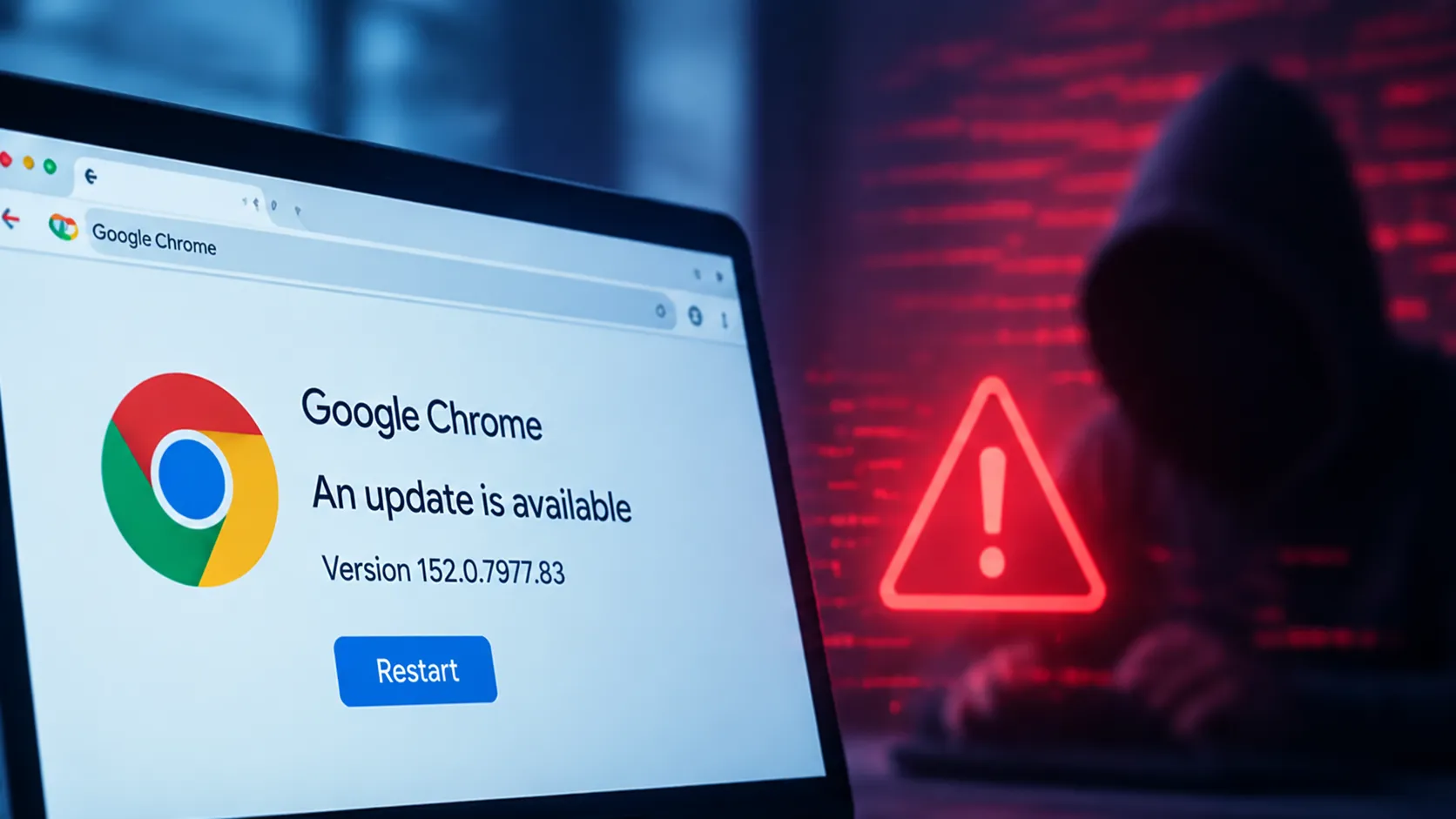
Chrome normally installs its updates automatically in the background. However, a downloaded update may remain pending until the browser is restarted.
Google recommends checking directly from the browser:
The “About Google Chrome” page also displays the exact number of the installed version.
After an actively exploited vulnerability, it is preferable to perform this check manually rather than assume that automatic updates have necessarily finished their work.
A fairly common situation is that a new version of Chrome has been downloaded without actually being applied.
The browser may remain open for several days or weeks with many tabs. The update is then available on the computer, but the Chrome process currently in use continues to run with the old version.
Closing and reopening the browser applies the pending update. Google also specifies that a restart may be required to complete the installation.
In a company, simply asking users whether “automatic updates are enabled” is therefore not always enough. You need to be able to check the version actually running.
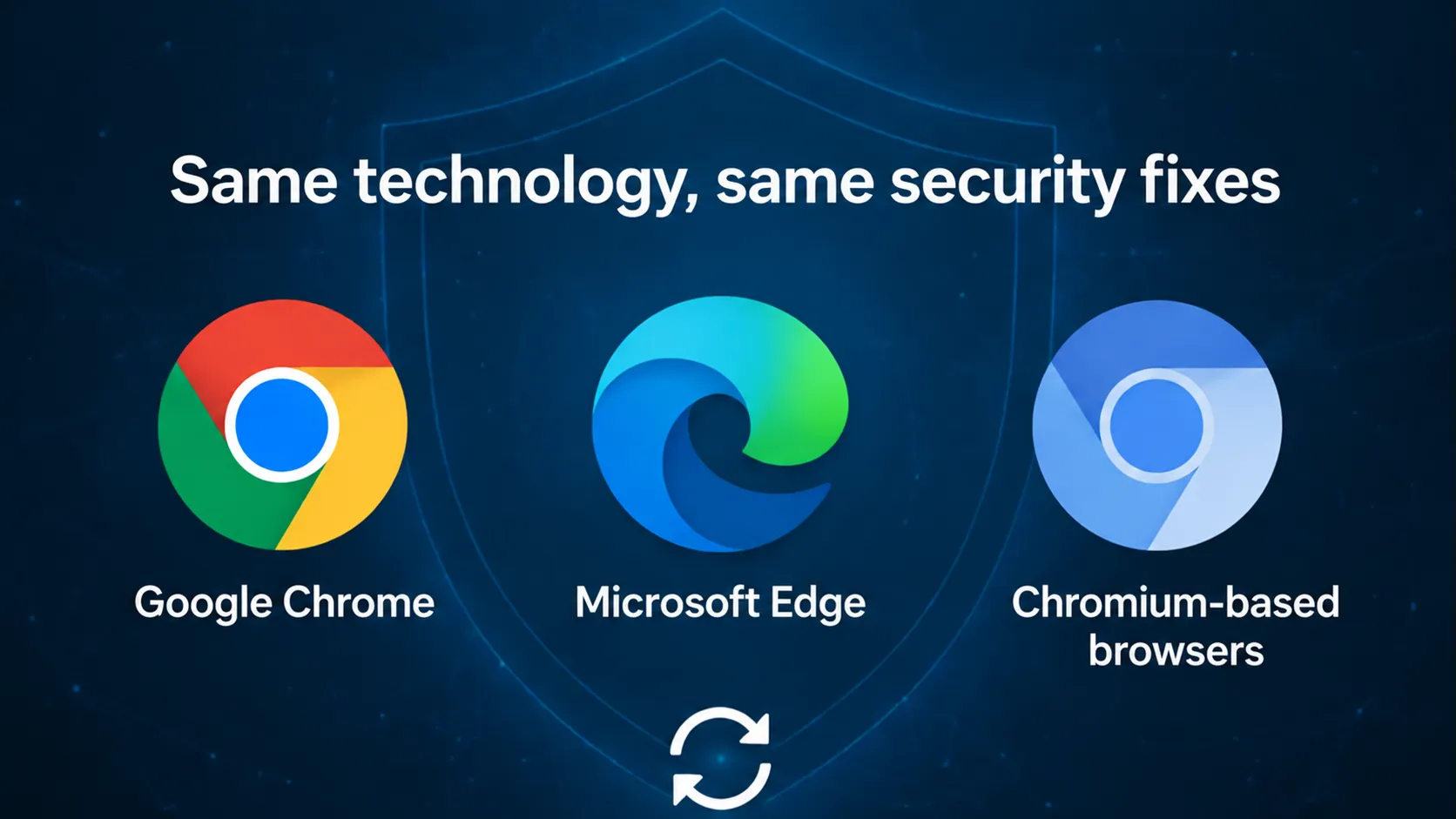
The issue extends beyond Chrome because several browsers use Chromium as their technical foundation.
Microsoft Edge is notably part of this ecosystem. Microsoft released a stable version incorporating the Chromium project’s security updates and confirms that its fix addresses CVE-2026-85046.
For other Chromium-based browsers, you should check the bulletins and versions published by their own vendors. A vulnerability present in a shared component does not necessarily mean that every browser has exactly the same version number or update schedule.
That is why it is better to let the update mechanism of the installed browser determine the available version rather than trying to compare its number directly with Chrome’s.
When discussing web cybersecurity, attention often focuses on the server: CMS, framework, API, database, hosting, passwords, or firewall.
Yet the browser deserves the same attention.
It is the interface used to access many sensitive services:
A compromised browser may therefore be very close to the information and access rights that the company is specifically trying to protect.
CVE-2026-85046 illustrates why workstation maintenance must not be limited to the operating system and antivirus software.
Not necessarily to the vulnerability itself, but the consequences of a compromised workstation may be greater when it belongs to someone with technical access.
For example, a developer may be logged in to GitHub, a secrets manager, a cloud infrastructure, a hosting provider, a back office, or several production environments.
This does not mean that exploitation of CVE-2026-85046 would automatically allow all these access rights to be recovered. Browsers, operating systems, and services use multiple layers of protection.
It does mean, however, that workstations with significant privileges warrant a particularly rigorous update policy.
For a small or medium-sized business, the response does not need to be complex.
Check Chrome and the other Chromium browsers used on workstations.
You need to look at the version number actually running, not merely check that automatic updates are enabled.
A browser that has been open for several days may have an update waiting.
Computers providing access to hosting, administrator accounts, the cloud, code repositories, and business tools should be handled quickly.
An employee may use Chrome every day while still having Edge or another browser installed on their workstation.
Software that is rarely used can easily remain several versions behind.
Security should not depend solely on whether a user occasionally remembers to open the update screen.
On a business fleet, the goal is to know which software is installed, who maintains it, and how to verify that an urgent fix has actually been deployed.
No.
The regular publication of vulnerabilities in Chrome does not mean that the browser is inherently dangerous.
Chrome is an extremely complex piece of software, constantly exposed to content from the Internet and studied by many security researchers. It is therefore normal for vulnerabilities to continue to be discovered in it.
The decisive factor is the vendor’s ability to identify issues, publish fixes, and distribute them quickly.
In the case of CVE-2026-85046, the fix already exists. The priority now is to ensure that users actually install it.
Modern browsers have made updates much simpler than they used to be. For most users, they arrive automatically and require little intervention.
This automation is valuable, but it does not completely eliminate the need for oversight.
When a vulnerability is actively exploited, a few simple questions become useful:
The same reasoning applies to frameworks, libraries, CMS platforms, operating systems, and tools used to operate a digital service.
CVE-2026-85046 is a reminder that a cyberattack does not necessarily begin with a spectacular server vulnerability.
A web page viewed from a vulnerable browser can also provide an entry point.
Google has released a fix and confirms that the vulnerability is already being exploited. CERT-FR has also relayed the alert. For users, the immediate response is therefore simple: open the “About Google Chrome” page, apply the available update, and restart the browser.
For a company, the lesson is broader: browsers are part of the software fleet, just like business applications, operating systems, or website components. Their maintenance must therefore be monitored, not merely assumed to be automatic.
Article verified on September 7, 2026, based on the official Google Chrome bulletin dated September 3, the CERT-FR notice dated September 4, available CVE information, and Google Chrome update documentation. Microsoft also confirmed the integration of the Chromium fix into Edge.
WEB & CYBERSECURITY
Code, dependency and sensitive-path audits turn a technical alert into a controlled action plan.
Enter at least 2 characters to start searching.
