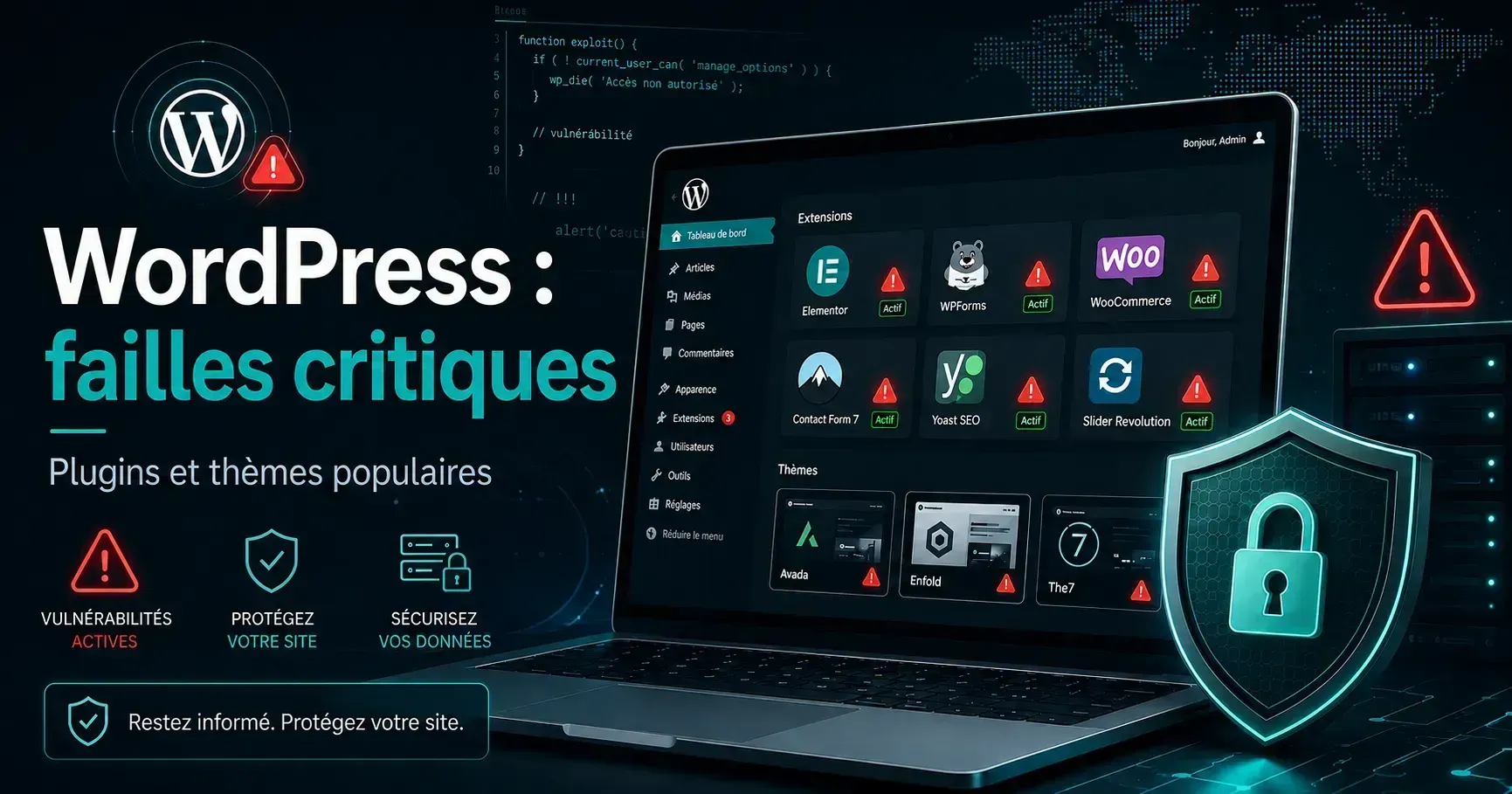
Several important security vulnerabilities affecting the WordPress ecosystem have been made public in recent days. These include WPMU DEV Dashboard, Avada, TranslatePress, Pods and GiveWP, with CVSS scores of up to 10 out of 10 and, in some scenarios, the possibility for an unauthenticated attacker to take control of a site or run code on its server.
This is not a general WordPress flaw that would suddenly make all sites vulnerable. Each problem concerns a particular extension, theme or configuration. Several patches are already available.
For companies that use WordPress, this episode nevertheless recalls an important principle: the security of a site does not stop at the day of its posting. CMS, themes, extensions, PHP, server and various connected services continue to evolve throughout the life of the site.
Five critical vulnerabilities to be monitored
The five alerts gathered here can have particularly important consequences: bypass authentication, increase of privileges, recovery of an administrator account or remote code execution. The following table provides a quick check of the main versions as of 30 August 2026.
Component
Versions concerned
Corrected version
Principal risk
WPMU DEV Dashboard
Up to 5.0.1 inclusive
5.0.2
Administrator takeover via SSO
Avada with Fusion Builder
Avada until 7.16 and Builder until 3.16
7.16.1 and 3.16.1
Remote code execution
TranslatePress
Up to and including 3.3.1
3.3.2
Taking control of an administrator account
Pods
Up to 3.3.9 on the current branch
3.3.9.1
Elevating privileges
GiveWP
Up to 4.16.9.1 inclusive
4.16.7.2
Remote code execution
These numbers correspond to the corrections published by researchers and publishers at the time of writing. For Pods, corrected versions were also returned to several old branches.
1. WPMU DEV Dashboard: bypassing SSO authentication
WPMU DEV Dashboard allows you to connect a WordPress site to WPMU DEV services and use their centralized authentication system. Wordfence announced on August 27 that it identified a critical vulnerability, referenced CVE-2026-76581 and estimated at 9.8 out of 10. It applies to versions up to 5.0.1.
The problem lies in the functioning of the Hub Single Sign-On mechanism. By simplifying, two steps in the process did not construct exactly the same information used to verify the authenticity of a request. This difference could allow an unauthenticated person to have an application accepted as legitimate in certain configurations.
What's the risk?
The critical scenario concerns sites connected to WPMU DEV, using Hub SSO and whose SSO is associated with an administrator account. A successful operation could then directly create a WordPress admin session. Once this access is obtained, the attacker potentially has the same possibilities as the site owner.
The patch was published in WPMU DEV Dashboard 5.0.2 on August 24, 2026. Wordfence recommends sites that cannot immediately update to temporarily disable Hub SSO.
2. Avada: a string of six weaknesses leading to code execution
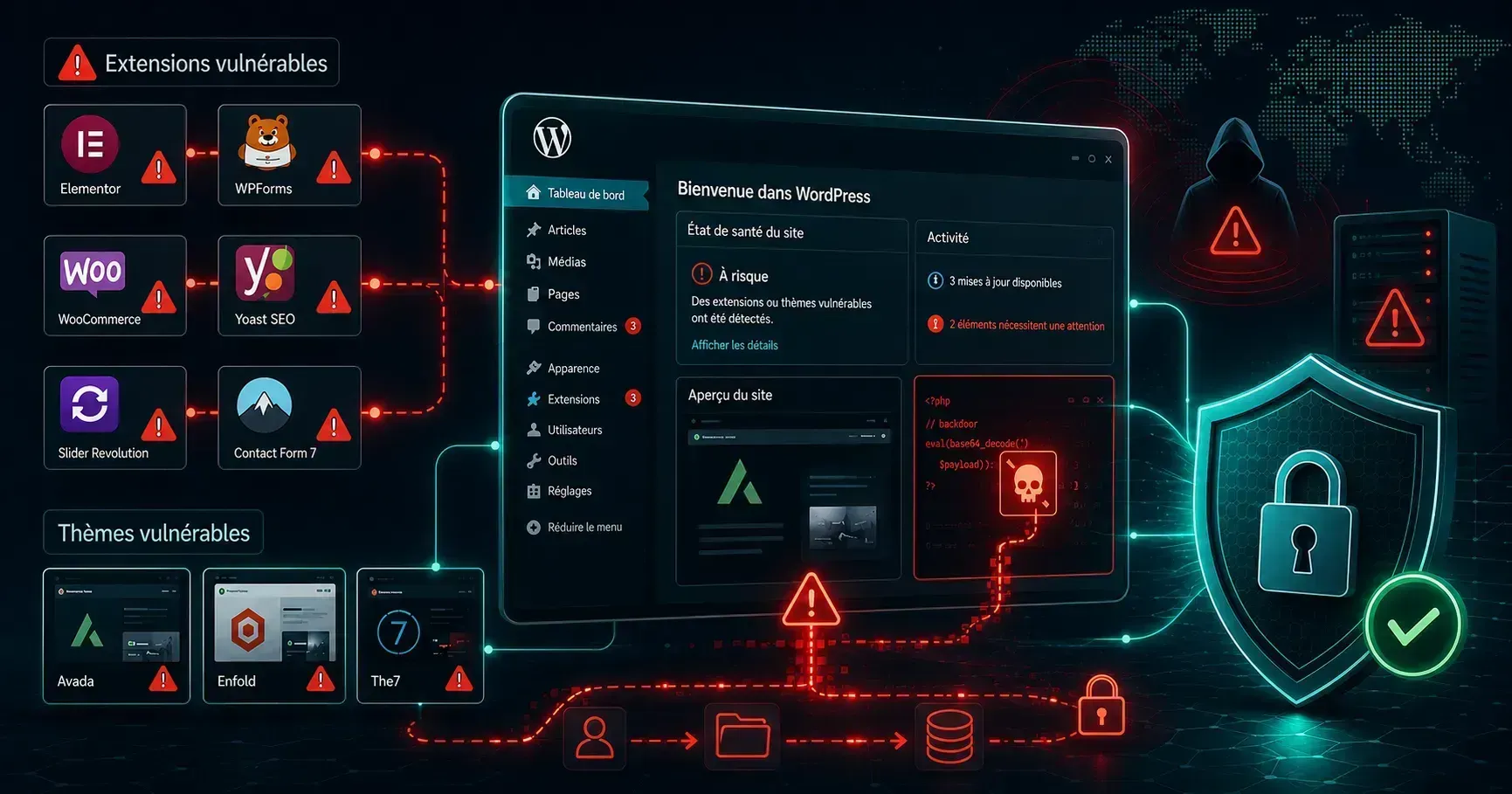
Avada is a particularly interesting case because it shows that a critical vulnerability does not necessarily come from one spectacular error. Wordfence discovered a string of six weaknesses involving Avada and its Fusion Builder component.
Individually, these problems were not necessarily sufficient to compromise the site. When used successively, however, they could allow an unauthenticated user to write a controlled file on the server and then run PHP code. Vulnerability CVE-2026-18431 also scores a CVSS score of 9.8 out of 10.
It concerns Avada up to version 7.16 when Fusion Builder up to version 3.16 is also installed and active. The demonstrated scenario also requires certain conditions related to content already created by the administrator. Having Avada therefore does not automatically mean that the site has been compromised.
Why is code execution particularly critical?
A remote code execution, or NCE, can run code in the context of the web server. Depending on the rights available and the environment, it may lead to the installation of a back door, modification of the site, access to the database or the recovery of sensitive information.
ThemeFusion published Avada 7.16.1 and Fusion Builder 3.16.1 on August 25. The two components must therefore be checked together.
Generic illustration: a theme and its associated extensions should be followed as a single technical set.
3. TranslatePress: the admin reset link could be displayed
TranslatePress is used to create multilingual WordPress sites. Wordfence indicated over 400,000 active facilities at the time of publication. Vulnerability CVE-2026-19632, estimated at 9.8 out of 10, covered versions up to 3.3.1.
TranslatePress keeps certain strings in its translation tables. In a particular configuration, the content of a password reset e-mail could pass through this mechanism and its full URL could be saved in a table accessible by a public action. This URL then contained the key to define a new password.
An attacker could therefore, under certain conditions, trigger the reset of an administrator's account, retrieve the corresponding link and set its own password.
Were all sites using TranslatePress usable?
No. Wordfence states that exploitation required, inter alia, that the target administrator use a published secondary language as a profile language. The automatic chain recording was also to be active, corresponding to the default setting described in the analysis.
Vulnerability was corrected in TranslatePress 3.3.2, published on August 13. This example shows why vulnerabilities need to be addressed with their context: a high CVSS score indicates the potential severity of a scenario, but does not mean that all facilities can be attacked in the same way.
4. Pods: an access control that did not actually block the query
Pods allows you to create and manage custom content types, fields and taxonomies in WordPress. Vulnerability CVE-2026-19598, it was also estimated at 9.8 out of 10, reached the current branch until version 3.3.9.
The origin of the problem is instructive from a developmental point of view. Some administrative requests went well through several controls: authorized method, user connection, nuncio and permissions. The problem was that the function to report failure of a check did not always stop execution. The programme could therefore find that an action was not authorised and, under certain conditions, still continue its treatment.
Consequences
An unauthenticated attacker could reach operations normally reserved for administration, including changing a user's password and potentially obtaining administrator privileges. This could lead to a complete takeover of the site.
The current branch has been corrected in Pods 3.3.9.1. The developers have also published several corrected versions for the old branches: 3.2.8.3, 3.1.4.2, 3.0.10.4, 2.9.19.4 and 2.8.23.4. It remains preferable to manually check the currently installed version rather than assume that the update has been done.
5. GiveWP: an assessed vulnerability of 10 out of 10
GiveWP is used in particular by associations and organizations wishing to accept donations from their WordPress site. Vulnerability CVE-2026-82222 is the most severely noted in this series: Patchstack gives him a CVSS score of 10 out of 10. It covers versions up to 4.16.6.1.
The problem starts with a PHP mechanism designed to decriminalize data in a supposedly safe way. Without detailing the operating procedures, certain data controlled by the attacker could be retained and reinterpreted at a later stage. Combined with classes already present in the software, they could eventually lead to the execution of an arbitrary command on the server.
An attack without admin account
Patchstack explains that an attacker did not need to initially dispose of a privileged account. In the most exposed versions, a facility with a published donation form and an active payment gateway could provide the necessary elements for the attack chain. However, the exact scope varies between versions 4.16.5.1, 4.16.6 and 4.16-7.1.
GiveWP corrected the problem in version 4.16.2.2, released on August 27. The patch intervenes on several levels in order to break different elements of the chain rather than block a single entry point.
Do these flaws mean that WordPress is not secure?
No, and the distinction is important. In the five cases presented here, the vulnerabilities concern extensions or a theme, not the same general vulnerability present on all WordPress sites.
One of the main advantages of WordPress is precisely its ecosystem: a company can add a form, multilingual, electronic commerce, member space or many other functions without developing everything itself. But each additional component is also an additional code to maintain.
A site using WordPress, a theme, fifteen extensions and several external integrations therefore depends not only on the security of the WordPress heart. It also depends on the quality and monitoring of each of these components. The reasoning is identical on an application developed with npm, Composer or other dependencies managers: using a library avoids reinventing a function, but also creates a dependency on its maintenance cycle.
Component deactivated
Should an unused extension remain installed?
As a rule, no. Deactivation prevents WordPress from normally running its hooks, but the files remain on the server. Depending on the nature of a vulnerability, keeping unnecessary code increases the area to be monitored without real benefit.
Inventory before cleaning
Do not delete what is not understood
Some extensions are needed to the theme, forms, redirections or invisible functions from the home page. First, the component must be documented, its function, version, maintainer, necessity and updating strategy.
Should we activate all automatic updates?
The response depends on the site. On a small window site properly saved, automatic updates can greatly reduce the time a vulnerable version remains in production. On an e-commerce or WordPress application with a lot of custom code, a major update may require more control to avoid incompatibility.
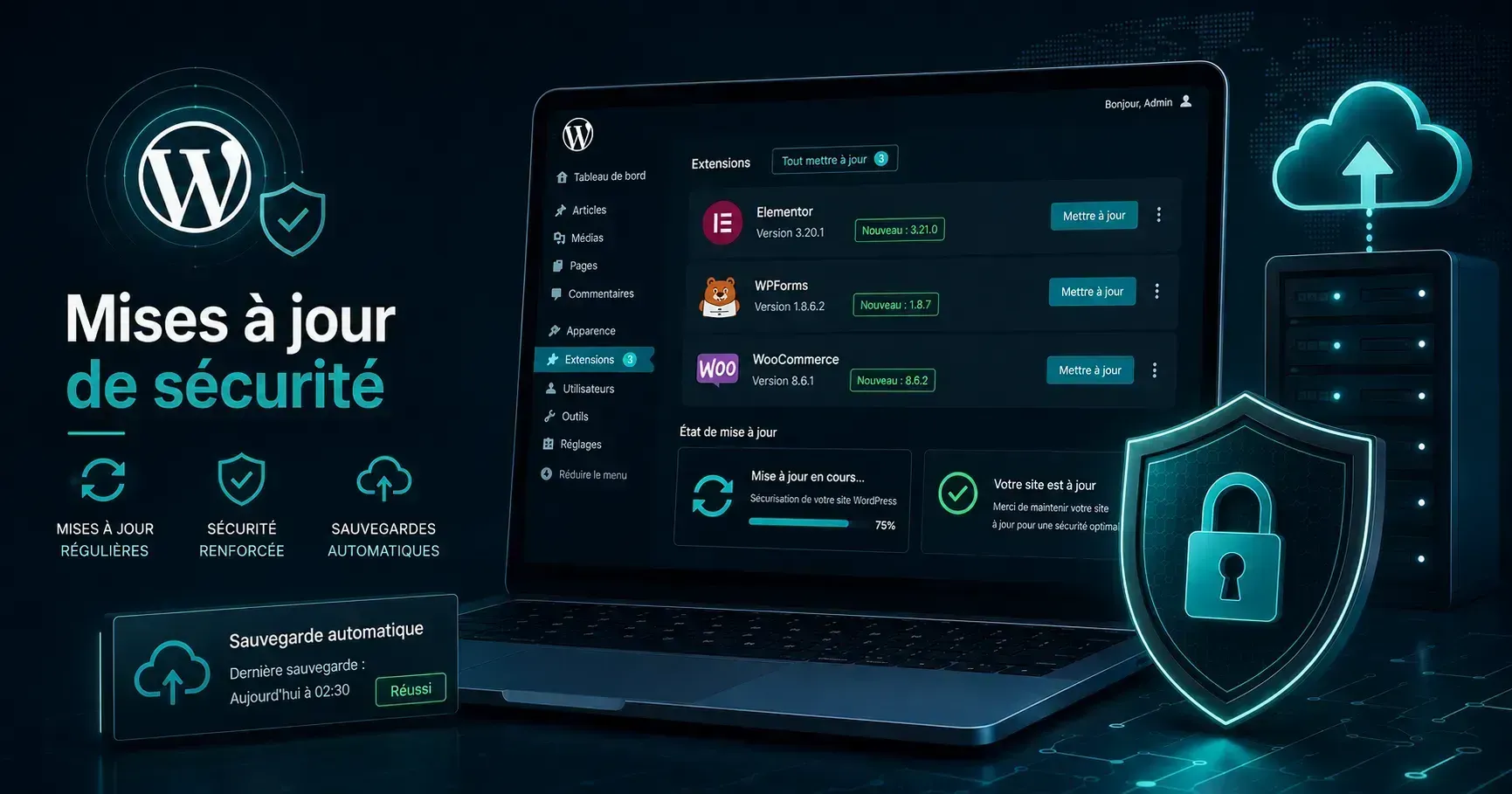
The objective is therefore neither to automatically update everything without control, nor to delay all patches for several weeks. A reasonable strategy distinguishes urgent security fixes from functional developments, has a usable backup and quickly controls the operation of the site after each update.
Updating quickly remains essential, provided you can control and restore the site if necessary.
Backup remains essential, but does not replace updates
A backup does not prevent a vulnerability from being exploited. On the other hand, it allows the recovery of an earlier state when an incident, human error or problematic update causes data loss or renders the site unusable.
To be really useful, a backup must be restored. A ZIP file created automatically every night but never controlled can give a sense of misleading security. You need to know where the copies are stored, how long they are kept and how to restore both the files and the database.
It is also preferable that at least one copy does not depend exclusively on the same server as the site. If this server is compromised or lost, a backup located only in the same location can disappear with it.
What to check today on a WordPress site?
Save: create or control a recent copy of the files and database.
Check versions: control WPMU DEV Dashboard, Avada and Fusion Builder, TranslatePress, Pods and GiveWP if the site uses them.
Apply patches: not content with the message that automatic updates are enabled.
Reduce surface area: remove the themes and extensions actually unused after checking their role.
Control accounts: search for unknown administrators, new accounts and unusual permission changes.
Strengthening Access: enable two-factor authentication on sensitive accounts when available.
Examine traces: check the recently modified logs and files if the site has stayed on a vulnerable version for a long time.
Test the service: control forms, payments, connection, emails, customer space and mobile display after update.
Plan the suite: define the next check rather than wait several months before reopening the administration.
An application firewall or security extension may provide an additional layer. However, this protection does not justify the voluntary retention of a vulnerable component when its corrective action is available.
What signs may indicate that a site has already been compromised?
An installed vulnerable version does not automatically mean that an intrusion took place. Conversely, the lack of visible degradation does not guarantee that nothing has happened: compromise can seek to remain discreet in order to keep access to the server.
Among the elements that deserve verification are the appearance of an unknown administrator, unexpected modification of PHP files, unknown extension, unusual redirections, added scheduled tasks, configuration change, abnormal volume of queries, e-mails sent for no reason or pages created without the owner's knowledge.
If several of these indicators appear, the answer should not be limited to updating the extension. What has been changed and whether persistent access has been installed must be determined.
A professional site must be maintained after its posting
When a site has just been completed, it may be tempting to consider the project closed. Technically, starting production is rather the beginning of a new phase.
Over the months, PHP evolves, WordPress releases new versions, browsers change, extensions receive patches and some external services modify their APIs. This does not mean that a site must undergo a complex intervention every week. This means defining who monitors these developments and who intervenes when updating is necessary.
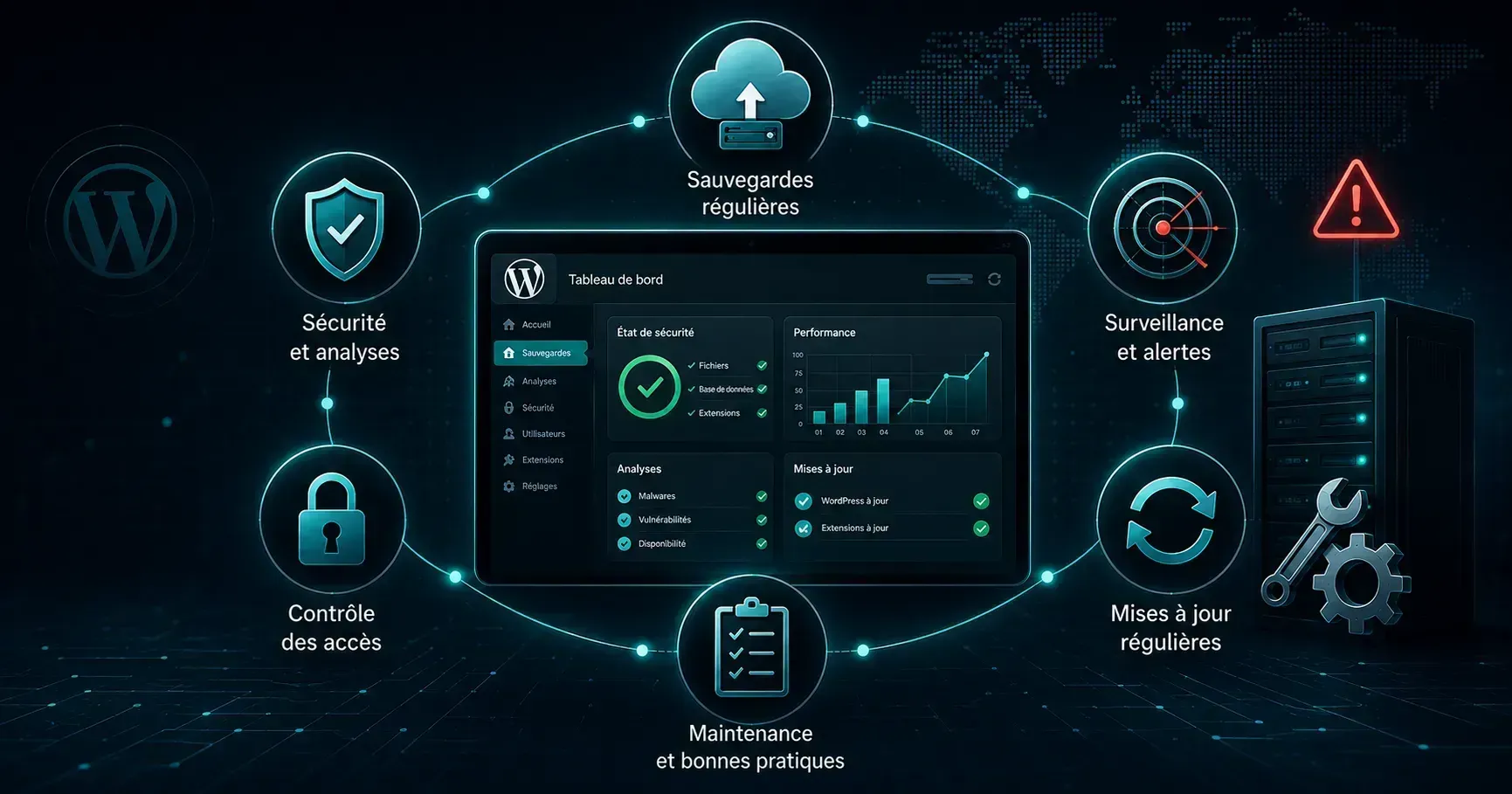
Maintenance brings together updates, backups, monitoring and the ability to respond to an anomaly.
Minimum maintenance may include the control of updates, backups, availability check, error monitoring, renewal of certificates and licenses, account control and response to an anomaly. The more important the site has a function—prospect generation, payment, reservation or customer space—the more important the continuity of this maintenance becomes.
WordPress Security: the number of extensions counts less than their mastery
Arbitrally fixing a maximum number of extensions does not make much sense. Ten abandoned extensions can cause more problems than thirty actively maintained and truly necessary components.
The useful questions are: Why does this extension exist? Who's keeping it? Is it still used? When was his last update? Is there a simpler way to get the same function?
In particular, when the inventory is redesign, it becomes interesting. Automatic reproducing all the extensions of the old site on the new one often amounts to carrying several years of technical decisions without wondering if they still have a reason to be. A redesign may also be an opportunity to leave with a more legible architecture and a better controlled technical surface.
Should we be afraid to use WordPress in 2026?
No. The incidents of this week do not change the fact that WordPress remains suitable for many professional sites. They show above all why the choice of a CMS cannot be separated from its maintenance.
For a classic brochure website, WordPress can be an excellent choice when you want an accessible administration, a mature ecosystem and the possibility of changing the site. For some more specific applications, another architecture may be more appropriate.
There is no universally safer technology simply because it contains fewer plugins visible in an interface. A tailor-made application also depends on frameworks, packages, services, operating systems and libraries to be maintained. The real subject remains the mastery of the technical perimeter and the ability to make it evolve over time.
Conclusion: the security of a site is also played after delivery
This series of vulnerabilities does not mean that every WordPress site is currently compromised. On the other hand, it is a good example of what happens after the posting: yet widely used components continue to evolve and can one day receive an important security patch.
In several cases presented here, publishers quickly corrected vulnerabilities. The decisive point then becomes the speed with which this update actually arrives at the sites in production.
Therefore, a sustainable business site relies as much on its initial design as on what happens next: inventory of components, updates, backups, access control and ability to respond when a vulnerability is announced. Maintenance is not the most visible part of a web project. However, it becomes particularly important on the day a critical fix is to be applied quickly.
Sources and method See references
Statement made on August 30, 2026. The versions indicated correspond to the notices published by researchers and publishers at the time of writing. The recommendations are presented from the point of view of the operation and maintenance of a site, without detailing the procedures for replicating attacks.