
Processing…
Web development · Node.js 26
Node.js 26 is preparing to enter LTS on October 28, 2026. Discover Temporal, V8 14.6, Undici 8, and the tests to run before migrating.
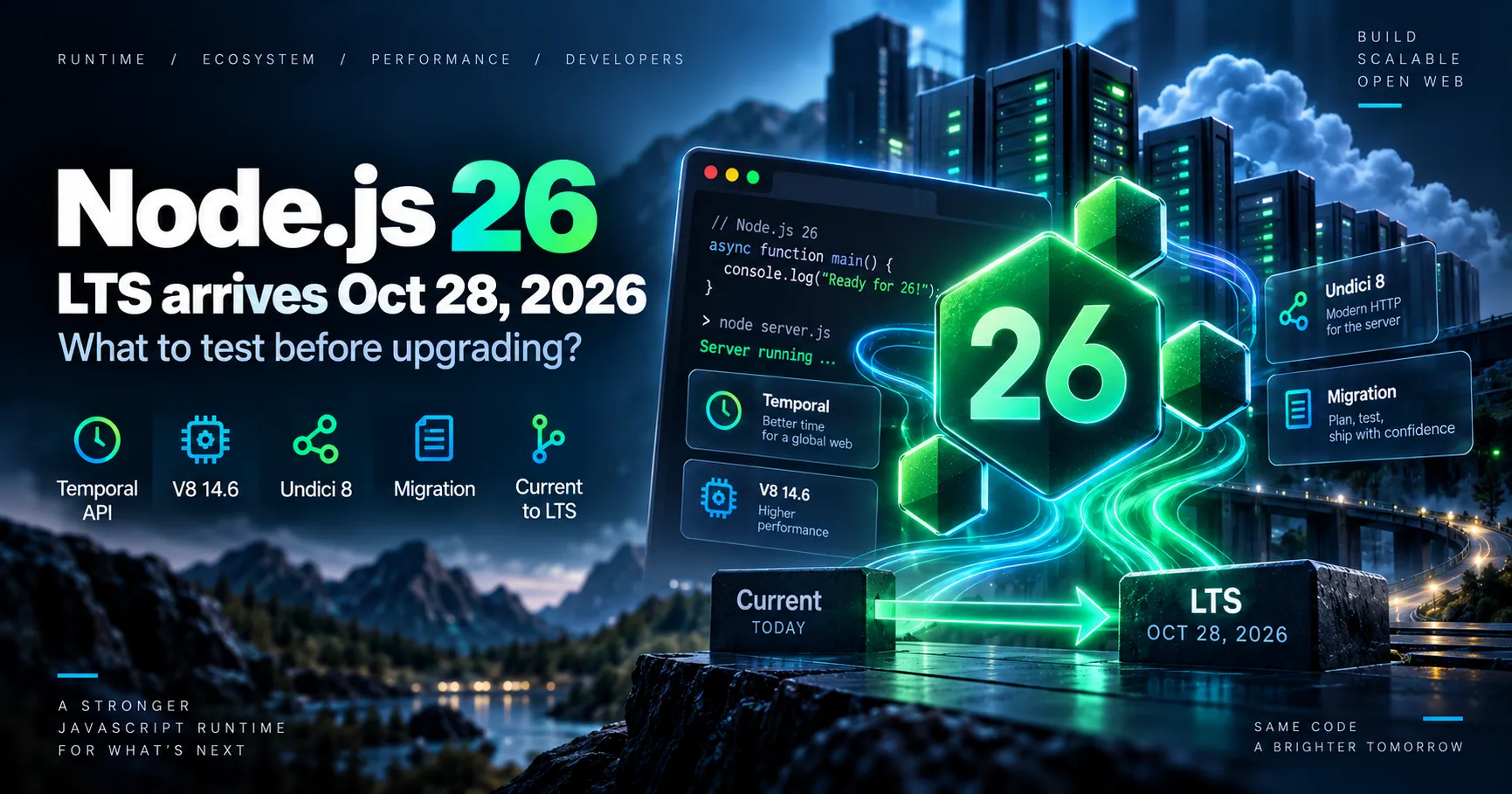
The Node.js 26 branch, available since May 5, 2026, is set to enter Active LTS on October 28, 2026. As of October 11, it is still in Current status: this is a good time to test the new features and prepare for a migration, without presenting the transition as already completed.
For teams building APIs, SaaS applications, Node.js services, or build tools, this release is about more than a new version number. Node.js 26 enables the Temporal JavaScript API by default and includes V8 14.6 and Undici 8, but it also removes or deprecates several legacy interfaces. What are the practical implications for a project running Node.js 22 or 24?
Node.js 26.11.1, released on October 7, is still a Current release. The move to LTS is scheduled for October 28, subject to the release schedule. For production, Node.js 24 LTS remains a cautious choice until Node.js 26 has officially reached that milestone and application tests have been validated.
According to the Node.js Release Working Group schedule, branch 26 launched on May 5, 2026 and is set to move to Active LTS on October 28, 2026. It is then scheduled to move into maintenance on October 20, 2027, before reaching its planned end of support on April 30, 2029. These dates are provisional and may change.
As of October 11, 2026, the official website still classifies Node.js 26 as Current. The 26.11.1 release from October 7, 2026 explicitly carries this status. The LTS label should therefore not be used to imply that the transition has already taken effect.
| Branch | Status as of October 11, 2026 | Key milestone | Planned end of support |
|---|---|---|---|
| Node.js 22 | Maintenance LTS | Ongoing maintenance of the existing branch | April 30, 2027 |
| Node.js 24 | Active LTS | Move to maintenance scheduled for October 20, 2026 | April 30, 2028 |
| Node.js 26 | Current | Entry into Active LTS scheduled for October 28, 2026 | April 30, 2029 |
This schedule gives businesses visibility into security fixes and maintenance, but an LTS release does not remove the need to test your application. Dependencies, native modules, and hosting requirements remain critical factors.
One of the most visible new features in Node.js 26.0.0 is the default activation of Temporal, the modern JavaScript API for dates, times, durations, and time zones. It makes it possible to express operations more clearly that become complex with Date, particularly in booking, scheduling, or international billing systems.
const date = Temporal.PlainDate.from("2026-10-28");
const plus30Jours = date.add({ days: 30 });

console.log(plus30Jours.toString());

const paris = Temporal.Now.zonedDateTimeISO("Europe/Paris");
console.log(paris.toString());
This code demonstrates using Temporal with a date without a time zone, then with a zoned time. Temporal does not require you to rewrite all your existing date handling: a migration should start with business cases where distinguishing between dates, times, and time zones really matters.
Node.js 26 introduces V8 14.6, a JavaScript engine also used in Chromium. The release notes highlight features including Map.prototype.getOrInsert(), Map.prototype.getOrInsertComputed(), and Iterator.concat().
These APIs can simplify some operations on collections and iterators. However, they do not promise universally better performance for all Node.js APIs. Measure endpoints, memory usage, and latency in the application concerned.
Node.js 26 includes Undici 8, which powers, among other things, the network implementation of fetch(). This change warrants particular attention to external integrations: HTTP requests, connection management, proxies, timeouts, and error behavior.
Teams that use Undici directly or rely heavily on fetch() should test their API clients with the same network settings as in production. A runtime upgrade alone does not guarantee a measurable reduction in latency.
The Node.js 26 cycle did not end with the release of 26.0.0. Version 26.11.0, released on October 7, notably includes Buffer.stringLength(), HTTP header validation tools, and several perf_hooks updates. The patch release 26.11.1 followed on the same day.
These additions illustrate the runtime's capabilities, but teams should distinguish APIs introduced in the 26.x series from those already available in earlier LTS releases. Not every modern Node.js feature is new in version 26.
Useful for systems handling time zones, deadlines, and business dates.
New programming capabilities to assess against actual code requirements.
HTTP stack updates that warrant integration testing with third-party services.
A maintenance horizon planned through April 2029, once the LTS promotion is confirmed.
The trickiest changes in a major version are not always its new features. Node.js 26 removes several legacy elements and announces new deprecations. An older application may therefore be affected even if its business logic appears independent of these interfaces.
http.Server.prototype.writeHeader() has been removed: use writeHead() instead._stream_* modules have been removed: direct imports of internal implementations should be replaced with the public APIs from node:stream.module.register() now triggers a runtime deprecation warning: projects using custom hooks or loaders should review their integrations.--experimental-transform-types option has been removed: launch scripts and TypeScript tools should be checked before migration.These points mainly affect low-level libraries, build tools, older frameworks, and native addons. An application using only maintained dependencies and public APIs may encounter fewer issues, but this must be verified through testing.
The choice depends on the application's status and expected lifespan.
Node.js 22 remains in Maintenance LTS, but its end of support is scheduled for April 2027. Plan the next migration cycle before then.
As of October 11, 2026, branch 24 is still in Active LTS. It remains a reasonable choice for services that need an already stabilized foundation.
Current status is suitable for trials, dependency compatibility checks, and preparation for a future move to production.
Once its LTS status is officially confirmed and tests are validated, branch 26 may become a suitable option for a new application or a migration.
The safest approach is to keep a stable production branch and validate Node.js 26 in a test environment. For a project using a version manager such as nvm, an initial trial can be done with a few commands:
nvm install 26
nvm use 26
node --version
npm ci
npm test
npm run build
Note: npm test and npm run build assume these scripts exist in package.json. These commands do not replace integration tests or validation in the actual deployment environment.
An upgrade should be reproducible, measurable, and reversible.
Also check the Node.js versions declared in CI workflows, Docker images, installation scripts, and, where applicable, the engines field in package.json. For a library distributed across multiple projects, restricting compatibility to Node.js 26 too early may disadvantage users who are still on Node.js 22 or 24.
Official LTS status is an important signal of maturity and maintenance. However, it does not mean every application should migrate on the same day. A critical API, a SaaS product with many third-party integrations, or infrastructure relying on native modules may need additional validation time.
For a new application, Node.js 26 may become an attractive foundation once its LTS status is confirmed. For a service already stable on Node.js 24, a gradual, measured migration is generally preferable to a rushed switch.
The question is not just “Is Node.js 26 ready?” but “Are our application, its dependencies, and our infrastructure ready for Node.js 26?”
At SDX Development, this approach means preparing for technical changes without sacrificing stability: compatibility audits, automated testing, performance checks, and deployment with the option to roll back.
Version and date information reflects official sources consulted on October 11, 2026. The project schedule remains subject to change.
Web development
PHP migration, CMS updates or framework upgrades: identify compatibility issues and test essential user journeys before going live.
Enter at least 2 characters to start searching.
