
Processing…
Web Development · PHP Maintenance and Security
PHP 8.2 will no longer be maintained after December 31, 2026. Alternative versions, compatibility audits, and a migration plan for WordPress, WooCommerce, or custom PHP.
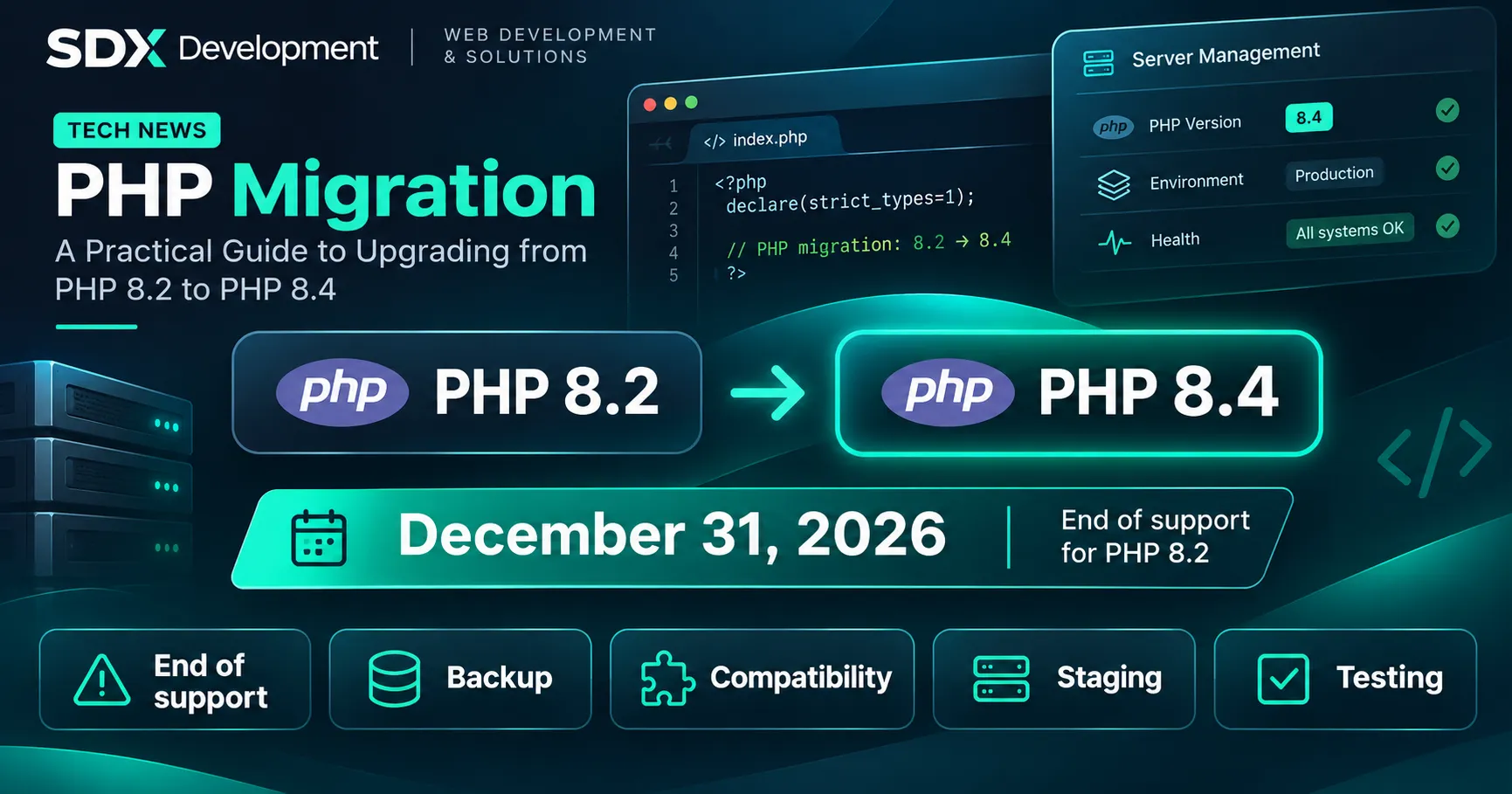
On December 31, 2026, PHP 8.2 will officially reach end of life. From January 1, 2027, this branch will no longer receive security fixes from the PHP team. For a WordPress site, a WooCommerce store, or a business application, the right response is not to switch versions blindly: it is to plan a verified migration, with a backup, staging environment, and rollback option.
Your site will not automatically stop working when 2027 begins. However, staying on an unsupported version gradually increases exposure to vulnerabilities discovered after that date, unless a provider offers specific, documented extended support. Here’s how to identify the version actually in use, choose between PHP 8.3, 8.4, and 8.5, and migrate without improvising in production.
PHP 8.2 support ends on December 31, 2026. For many recent WordPress sites, PHP 8.4 is a sensible target, while PHP 8.5 may be suitable in an environment that has already been tested. The choice must be validated against your themes, plugins, server modules, and custom development.
A PHP version goes through two main phases: an active support period, during which bug fixes and security fixes are released, followed by a period focused on critical security issues. At the end of its lifecycle, it leaves official community support.
According to the official PHP schedule, PHP 8.2 will no longer be maintained after December 31, 2026. This does not mean PHP will automatically be disabled or that WordPress will suddenly become incompatible. The risk comes from the absence of future official fixes for this branch, with potential consequences for security, compliance requirements, and application maintenance.
Your host may continue running PHP 8.2 after the deadline or offer specific fixes as part of an extended maintenance plan. If so, check the duration, scope, and terms of that support. Do not confuse a version that can still run with one officially maintained by the PHP project.
Waiting until the last week of December makes testing and maintenance more difficult, especially for an online store or software used every day. It is better to start your inventory in November, then reserve a migration window that suits your business.
All three branches are supported alternatives to PHP 8.2, but they do not offer the same support horizon. Here are the dates announced by the PHP project as of November 2, 2026.
| Version | Active support until | Security support until | Practical assessment |
|---|---|---|---|
| PHP 8.2 | 12/31/2024 | 12/31/2026 | Plan your migration |
| PHP 8.3 | 12/31/2025 | 12/31/2027 | Interim option if needed |
| PHP 8.4 | 12/31/2026 | 12/31/2028 | A pragmatic target for many recent sites |
| PHP 8.5 | 12/31/2027 | 12/31/2029 | Longer support horizon, once dependencies are validated |
For WordPress, distinguish general recommendations from actual compatibility. The public WordPress requirements page recommends PHP 8.3 or later. The technical guide for hosting providers, however, recommends PHP 8.4 or later in production. The official compatibility table indicates that WordPress 7.1 works with PHP 8.4 and 8.5. None of these statements guarantees that every plugin, theme, or custom development is compatible.
The decision rule is therefore simple: prefer PHP 8.4 if your installation is recent and compatible; consider PHP 8.5 when all critical components have been tested; use PHP 8.3 as a transitional option if a dependency still prevents you from moving to a newer branch. Avoid choosing a version just because it appears in your hosting control panel.
On a WordPress site, go to Tools > Site Health > Info > Server: the “PHP version” line shows the version the site is running. With WooCommerce, the information is also available under WooCommerce > Status > Server environment.
You can also check your host’s PHP selector, which may be available in cPanel, Plesk, or a proprietary control panel. If you have multiple domains or subdomains, check each environment: they do not necessarily use the same version.
For a custom application with terminal access, these commands let you inspect the PHP environment from the command line:
php -v
php -m
Note: the version returned by php -v may differ from the one used by the web server (PHP-FPM, Apache, or a per-site configuration). You need to identify the version that handles HTTP requests in production. Avoid leaving a diagnostic file publicly accessible if it displays the full PHP configuration.
Record the WordPress or framework version, the list of plugins and themes with their versions, required PHP modules, external API calls, automated scripts, and customizations. A simple brochure site and an application with dozens of dependencies will require different testing scopes.
Back up the database and files, including media, configuration, and custom components. Check the backup’s date and availability, and make sure you can actually restore it. Switching back to the previous PHP version may be quick with some hosts, but it will not fix an issue caused by simultaneous code or data changes.
Where possible, use the same server configuration and PHP extensions as production. Isolate sensitive services: use a payment gateway in test mode, intercept emails, use appropriate API keys, and control scheduled tasks. If the site stores personal data, protect this copy and restrict access to it.
Before switching PHP, check which versions of WordPress, WooCommerce, the theme, and plugins are compatible. Some updates may need to be applied and tested in a specific order. Keep a record of the versions you have validated so you can reproduce the same combination in production rather than piling on untested changes.
Switch versions using your hosting control panel or server configuration. Check the modules in use (intl, mbstring, curl, gd, imagick, zip, as needed) and any critical settings. Review fatal errors, deprecation warnings, and application logs. Deprecation messages are not always immediate blockers, but they can flag code that needs updating.
Check login, forms, uploads, search, customer accounts, administration, emails, automations, API calls, and background processing. Include the user journeys specific to your industry. A site that displays its homepage without errors is not necessarily fully operational.
Schedule the work for a low-traffic period, notify the relevant people, take a fresh backup, and apply the validated change. Immediately check critical transactions and tasks, monitor the logs, and keep the rollback procedure close at hand. For an online store, also monitor orders placed during the maintenance window so you do not overwrite new data if a restore becomes necessary.
For a recent WordPress site, start by checking theme and plugin compatibility, then rehearse the migration on a copy of the site. In the dashboard, note the PHP and WordPress core versions. Update maintained plugins in the test environment, and check child theme customizations and plugins developed specifically for the site.
Then switch the staging environment to PHP 8.4. Test publishing a post, editing a page, contact forms, authentication, the media library, email delivery, internal search, and features provided by plugins. If a component only works with PHP 8.2, first look for a patched version or a maintained alternative rather than disabling security checks.
When deploying to production, reproduce the versions you have already tested and check Tools > Site Health again. Heavily customized sites may require an additional code audit; their migration cannot be reduced to a single click in the hosting control panel.
An online store cannot simply check that product pages load. After migrating to a staging environment, test with a payment method in demo mode: product page, cart, checkout, shipping costs, taxes, order creation, transactional email, and status changes. Check payment gateways, ERP/CRM integrations, any subscriptions, and scheduled actions.
WooCommerce recommends PHP 8.3 or later and emphasizes backups and testing in a staging environment. To avoid losing orders, do not automatically overwrite the production database with a copy made before sales began. Your rollback strategy must account for orders and payments made in the meantime.
For business software, an extranet, or an API, framework compatibility is not enough: also review installed libraries, native extensions, CLI scripts, workers, integrations, and legacy code. The composer.lock file shows which dependencies are actually installed.
On a staging environment running your target PHP version, a useful check for a Composer project is:
php -v
composer check-platform-reqs --no-dev
This command compares the actual PHP version and extensions with the requirements of the installed packages. It does not replace automated tests or business-function tests, and it must be run with the correct PHP interpreter. Add regression tests, inspect the logs, and check scheduled jobs before changing production.
Legacy applications or abandoned dependencies may require code fixes, a framework upgrade, or replacing a package. In that case, the right approach is a compatibility audit followed by a step-by-step migration plan—not an estimate based solely on the version number.
When plugins are up to date and compatible, most of the work involves backups, staging, switching versions, and functional testing. The time required depends on the number of sites and their features.
A store with payments, a custom theme, or an application with specific integrations requires more test scenarios and sometimes code fixes.
There is no universal price for this migration. Before providing an estimate, you need to know the current PHP version, how many components need checking, whether a staging environment is available, which features are critical, what availability constraints apply, and whether fixes may be required. A simple hosting configuration change and a full application migration are not the same service.
For a business, the goal is to reduce operational risk while staying on a maintained version. An initial assessment helps distinguish what can be updated directly from what requires development work or additional testing.
No, not automatically. PHP 8.2 may continue to run code after support ends, but the PHP team will no longer release official fixes for this branch. Also check your host’s policy.
Yes, if your hosting environment, WordPress or framework, plugins, and code are compatible. Staging and testing are essential to confirm this.
PHP 8.5 has a longer support horizon, but some dependencies or extensions may need adjustments. The latest version is not always the first suitable target for an existing application.
Yes, according to the WordPress core compatibility table. This does not automatically validate the themes, plugins, hosting modules, or custom development installed on your site.
Usually not: WordPress lets you check the version in use, but the PHP interpreter is selected at the hosting or server level. Ask your host how to change it.
A backup is essential, but it does not replace a tested restore, a representative staging environment, testing of business functions, or a rollback plan that accounts for data created in the meantime.
December 31, 2026 is a known security deadline, not a reason to rush a site change. Check your PHP version today, verify component compatibility, test a maintained version in staging, and plan a controlled switch. For many WordPress sites, PHP 8.4 is a suitable starting point; for a custom application, the target should be determined by a technical audit.
SDX Development can help with a PHP compatibility audit, a WordPress or WooCommerce migration, and adaptations to a business application, with backups, regression testing, and a deployment procedure. For future language updates, also read our article PHP 8.6: Tests to Run Before November, which covers a topic distinct from this end-of-support deadline.
WEB DEVELOPMENT
PHP migration, CMS update or framework evolution: identify compatibility points and validate essential user journeys before going live.
Enter at least 2 characters to start searching.
