
Processing…
Web development · Astro and performance
Astro 7.4 reveals what slows down a build. Tutorial, API calls, images, Node.js, and experimental parallel prerendering.
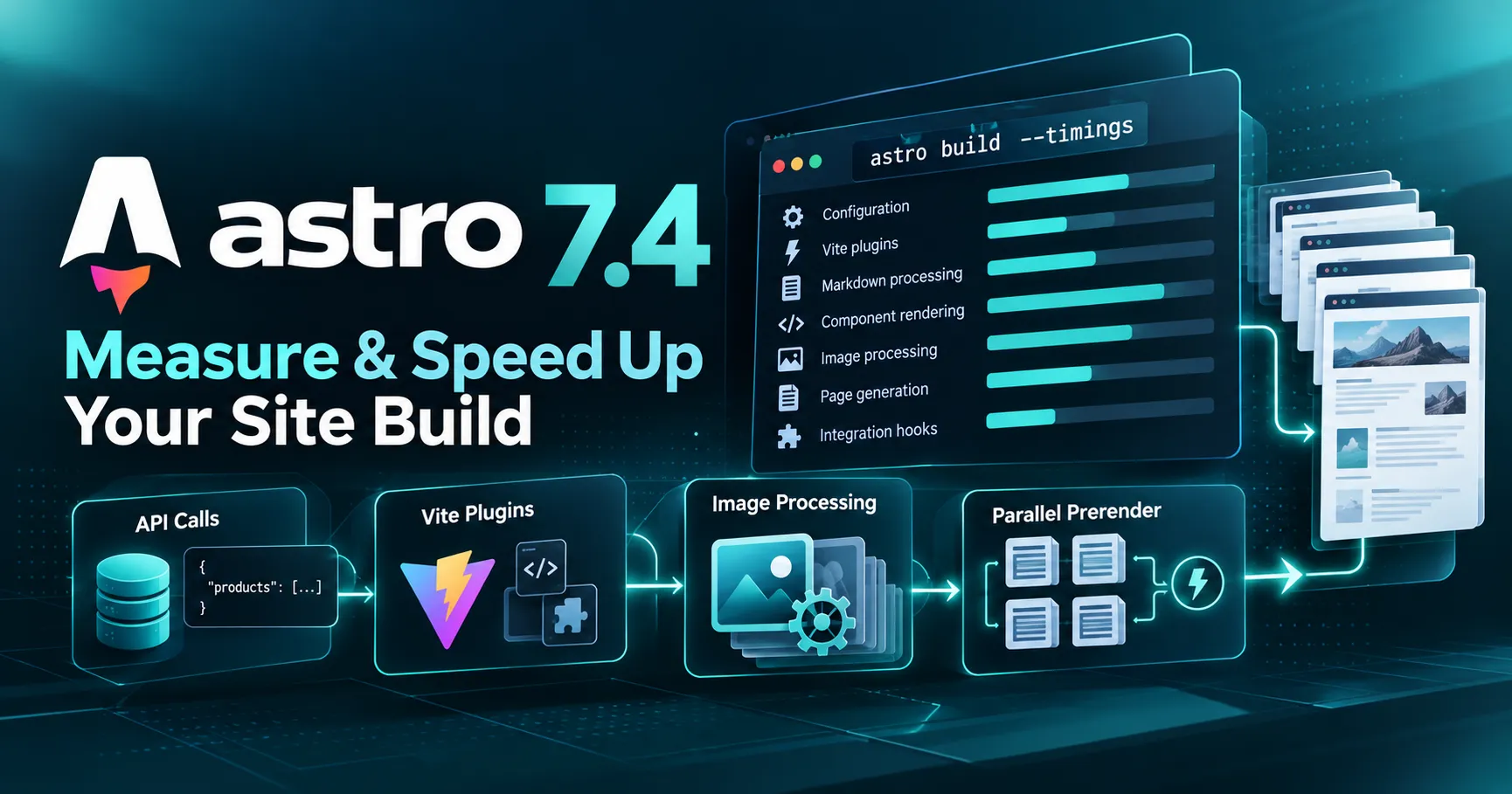
Since October 15, 2026, Astro 7.4 has offered astro build --timings, a new tool for understanding what slows down website generation. Vite plugins, Markdown, images, integrations, or components: instead of searching at random, developers can identify the areas that actually consume the most time and verify the impact of their optimizations.
This new feature is particularly useful for large brochure websites, B2B catalogs, and publishing platforms. It does not, by itself, guarantee a faster build: it is a diagnostic tool. Here’s how to use it in practice, along with the limitations of Astro 7.4’s other features.
The --timings command lets you distinguish the time spent in build phases, component rendering, Vite plugins, Markdown processing, image transformations, and integration hooks. Parallel prerendering, also added in Astro 7.4, remains experimental and should be tested separately.
As new pages and integrations are added, a build can take much longer than it did when a project was first launched. Astro 7.4 now displays a report at the end of compilation that breaks down where time is being spent. To get started, check your Node.js and Astro versions, then run the build again:
node --version
npx astro --version
npx astro build --timings
The diagnostic breaks down the cost of configuration, preparation, client and server bundles, page generation, Vite plugins, Markdown, syntax highlighting, images, and integrations. It also highlights pages or files that take longer than others. The report does not necessarily attribute every millisecond to a single line of code, but it shows you where to investigate.
| Report section | Possible signal | Recommended check |
|---|---|---|
| Generate pages / Component render | Page or component rendering is too costly | API calls, shared layouts, repetitive calculations |
| Vite plugins / Bundles | Heavy transformations or plugins | Compare runs while isolating the responsible plugin |
| Markdown / Syntax highlighting | Content and code block processing | Limit unnecessary transformations |
| Images | Conversions and resizing | Formats, dimensions, and caching strategies |
| Integration hooks | Integration setup or processing | Inspect the operations triggered during the build |
One caveat: some tasks run concurrently. The sum of all the durations shown does not necessarily equal the total elapsed time. To evaluate a speedup, always compare the total time with the details for the targeted phase.
Imagine a B2B catalog whose 600 product pages are built from an API, with descriptions, images, and specifications. This is a teaching example, not a benchmark run by SDX: measurements for this project have yet to be collected.
If most of the “slowest pages” are product pages and “component render” is the dominant cost, examine those pages’ components and queries. If the main cost appears under “images,” optimizing the image pipeline should take priority. The report helps you avoid confusing these two causes.
To demonstrate the feature, Astro expanded a nine-page blog with a comments section that first fetches comments, then the authors’ profiles. The successive calls increase generation time. After combining these requests with Promise.all(), the page generation phase drops from 2.10 to 1.13 seconds.
| Metric | Before | After |
|---|---|---|
| “Generate pages” phase | 2.10 s | 1.13 s |
| Request structure | Chained requests | Requests combined |
| Scope | Astro’s official example, nine pages only | |
This is neither the total compilation time after optimization nor a generalizable gain for 600-page catalogs. The demo’s initial total build took 2.61 seconds, but the highlighted result, 2.10 → 1.13 seconds, is specifically for page generation.
In an Astro component, a product’s details and stock data may be fetched one after the other even though neither depends on the other:
---
const { product } = Astro.props;
const api = import.meta.env.CATALOG_API_URL;
const details = await fetch(api + "/products/" + product.id)
  .then((r) => r.json());
const stock = await fetch(api + "/stock/" + product.id)
  .then((r) => r.json());
---
You can run both requests together with Promise.all():
---
const { product } = Astro.props;
const api = import.meta.env.CATALOG_API_URL;
async function getJson(path) {
  const response = await fetch(api + path);
  if (!response.ok) throw new Error("API " + response.status);
  return response.json();
}
const [details, stock] = await Promise.all([
  getJson("/products/" + product.id),
  getJson("/stock/" + product.id),
]);
---
This approach can reduce waiting time, but it does not reduce the number of requests. It requires error handling and concurrency levels that are compatible with the API’s limits; launching hundreds of simultaneous requests can instead overwhelm the service.
If the products are available in a single response, getStaticPaths() can prepare the static routes and pass the required data to the pages, avoiding repeat API calls for each property that is already known:
---
// src/pages/catalogue/[slug].astro
export async function getStaticPaths() {
  const api = import.meta.env.CATALOG_API_URL;
  const response = await fetch(api + "/products");
  if (!response.ok) throw new Error("Catalogue indisponible");
  const products = await response.json();
  return products.map((product) => ({
    params: { slug: product.slug },
    props: { product },
  }));
}
const { product } = Astro.props;
---
<h2>{product.name}</h2>
<p>{product.description}</p>
This code is intentionally simplified: it assumes the API’s content can be loaded in one batch and that a static page does not require immediate refreshing. On a real platform, use a shared data layer, controlled caching, and pagination or batched requests if needed. Highly variable stock or prices should not be frozen without a refresh strategy: they may require on-demand rendering.
The same logic applies to other opportunities: eliminate redundant Markdown processing, review Vite plugins, avoid repeated calculations in a layout, and identify an unusually high number of image conversions. Every change should correspond to a hypothesis that can be verified with --timings.
It is tempting to compare a local run with a build performed on another computer or in CI. However, CPU, memory, cache state, API response time, Node.js versions, and the exact content can all affect measured timings. A comparison is only meaningful when the scope remains constant.
--timings report from several runs.A practical protocol is to run five builds per variant, clearly distinguishing cold-cache and warm-cache builds. This is a method proposed for this article, not an official Astro benchmark.
| Catalog measurement log | Before | After |
|---|---|---|
| Median total time | To be measured | To be measured |
| “Generate pages” phase | To be measured | To be measured |
| Image transformations | To be measured | To be measured |
| Peak memory in CI | To be measured | To be measured |
| Number of pages generated | 600 expected | 600 expected |
Why are there no figures in these cells? Because no build was run for this fictional catalog. A reliable technical article must distinguish the proposed protocol from results that were actually obtained.
Astro 7.4 introduces experimental.parallelPrerender, which distributes static prerendering across multiple Node.js worker threads. This can be useful for computationally intensive projects with multiple available cores. For example, enable it as follows:
// astro.config.mjs — test only
import { defineConfig } from "astro/config";

export default defineConfig({
  experimental: {
    parallelPrerender: { workers: 4 },
  },
});
By default, when the option is enabled without an explicit worker count, Astro uses all available cores except one. Each worker can generate multiple pages according to build.concurrency, but it also increases memory consumption. A machine with limited memory or a build constrained by network services will not necessarily benefit.
The option is ignored when an adapter has its own prerendering system. Among official adapters, this notably applies to @astrojs/cloudflare, for which Astro displays a warning. Measure timings, the number of cores actually used, and peak memory before keeping the setting.
The right order is therefore: first remove unnecessary API calls, use --timings to identify costly areas, and only then compare worker configurations if CPU-bound rendering has been shown to be a bottleneck.
Astro 7.4 allows one service for pages prerendered at build time and another for pages rendered on demand. For example, you can use Sharp during the build and an image CDN service suited to your production runtime:
// astro.config.mjs
import { defineConfig } from "astro/config";

export default defineConfig({
  image: {
    service: {
      build: { entrypoint: "astro/assets/services/sharp" },
      runtime: { entrypoint: "my-image-cdn-service" },
    },
  },
});
The name my-image-cdn-service is a placeholder, not a ready-to-use module: it must be replaced with a compatible, installed, and configured image service. The build service is also used during development; the runtime service is intended for on-demand pages and the production image endpoint. The traditional single-service setup remains supported.
Astro 7.4 and its official integrations require at least Node.js 22.22.0. Check development machines, Docker images, CI, and hosting, then test your dependencies during the upgrade. The recommended migration command is:
npx @astrojs/upgradeThe @astrojs/cloudflare and @astrojs/markdoc integrations must also be updated to versions compatible with astro@^7.4.0. Remember to back up the project and validate the build before deployment.
Other changes include the new notFound() handler for entry points built with astro/fetch or astro/hono, improved detection of font parameters unsupported by their provider, and an experimental custom static redirect page.
Build performance measures how quickly work is completed before a site goes live: compilation, data fetching, processing, and file generation. It primarily affects teams, continuous integration, and deployment times.
Loading performance concerns the visitor experience: network time, JavaScript, fonts, images, caching, and responsiveness. Core Web Vitals measure LCP (loading), INP (interactions), and CLS (visual stability), among other things. --timings measures none of these metrics.
Technical SEO also depends on indexability, tags, HTML structure, canonical URLs, internal linking, and the sitemap. A faster build does not automatically fix these issues. Measure Core Web Vitals and separately check the rendered content and its accessibility to search engines.
If your main concern is the size of images delivered to the browser, our article on JPEG XL, WebP, and AVIF covers a complementary topic: the amount of data transferred to users is not the same as the time spent processing images during generation.
--timings make the site faster?No. The report identifies build slowdowns; you still need to fix their cause and measure the actual impact of your changes. It does not directly affect the visitor experience.
Look at the slowest pages and the component rendering section, then inspect shared layouts, requests, expensive loops, and external processing. The report guides your investigation but does not, on its own, identify a specific line of code.
The experimental feature is ignored by @astrojs/cloudflare, which already manages its own prerendering system. Do not attribute nonexistent gains to it.
The diagnostic tool is worth testing on a slow build. Before committing to a permanent migration, check the minimum Node.js version, integrations, and deployment environment. You can use the timings option without enabling parallel prerendering.
The most useful new feature in Astro 7.4 is visibility into the generation pipeline. With astro build --timings, you can identify a repetitive external call, a slow component, or a costly transformation, address the cause, and compare the result. Parallel prerendering and separate image services address other needs, but do not replace this approach.
At SDX Development, we apply this approach to the design, redesign, and optimization of professional websites: deliver more efficiently, maintain a maintainable foundation, and independently verify the performance visitors experience.
--timings.The official measurement table covers Astro’s demo project, not a real catalog. The 600-page example presents a reproducible method whose results are yet to be measured.
Web development
PHP migration, CMS updates or framework upgrades: identify compatibility issues and test essential user journeys before going live.
Enter at least 2 characters to start searching.
