
Processing…
Web Development · Images and Performance
Google is integrating JPEG XL into Chrome 155: compression, compatibility, performance, and SEO. Is it really time to migrate from WebP or AVIF?
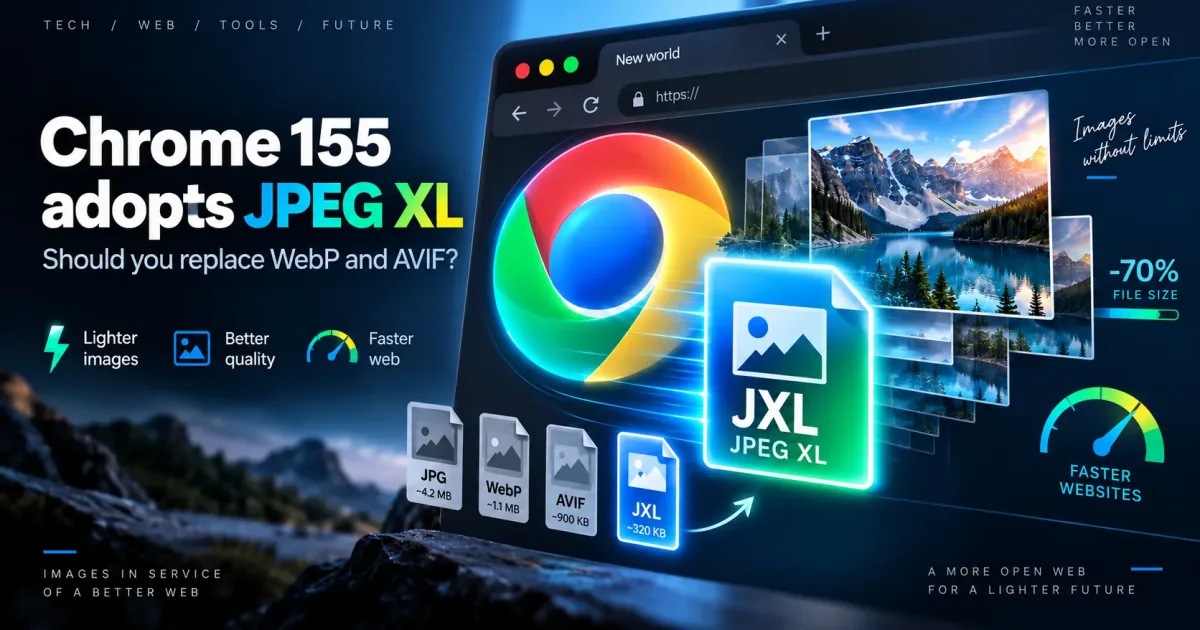
On October 6, 2026, Google announced support for the JPEG XL (.jxl) image format starting with Chrome 155. More efficient compression, high fidelity, and progressive rendering: this development opens up new possibilities for image-rich websites. But is it time to abandon WebP and AVIF?
Google claims 30 to 50% more efficient compression than traditional JPEG, along with several features suited to photography. This figure applies to standard JPEG: it does not guarantee the same improvement over WebP or AVIF. Results depend on image content and encoding settings.
JPEG XL is becoming more accessible with Chrome 155. For a website that is already well optimized with WebP or AVIF, the right approach is to compare formats at equivalent quality and keep a fallback for unsupported browsers.
JPEG XL uses the .jxl extension and the image/jxl MIME type. It was designed to combine efficient compression with detail preservation, and includes features useful to developers and photographers.
These benefits are particularly appealing for photographer portfolios, real estate websites, product catalogs, and projects where large images make up a significant share of page weight.
In Chrome, the implementation relies on jxl-rs, a decoder developed in Rust. Google highlights this choice as a way to better manage the risks involved in processing untrusted image files while also pursuing good performance.
Not in every case. AVIF can produce excellent results for many photographs. WebP remains a mature, widely supported option. JPEG XL is particularly useful for high-fidelity images, lossless requirements, HDR, and some progressive loading scenarios.
| Format | Strength | Main limitation | Recommended use |
|---|---|---|---|
| JPEG | Legacy compatibility | Often less efficient compression | Fallback format |
| WebP | Good balance of file size and compatibility | Not always ideal for demanding photographs | Brochure websites and catalogs |
| AVIF | Highly efficient compression for many photographs | Variable encoding and results | Web-optimized photographs |
| JPEG XL | High fidelity, lossless, HDR, and progressive rendering | Compatibility varies by browser and version | High-detail photographs and galleries |
Comparisons should use the same images, at the same dimensions, and with equivalent visual quality. Then measure file size, encoding time, and rendering on the devices you target.
Detailed visuals, HDR images, and high-fidelity requirements are particularly well suited to JPEG XL's features.
If WebP and AVIF are already delivering good results, check the actual benefits before changing your entire image pipeline.
Comparing a sample of product photos is more reliable than relying on a generic compression percentage.
For many icons and vector illustrations, SVG remains a more appropriate choice than a new photographic format.
Chrome 155 adds JPEG XL decoding. Safari has supported the format for several versions, but some features, including progressive rendering during downloads, are not implemented in the same way. Mozilla announced in August 2026 that it intends to ship JPEG XL in Firefox with a Rust decoder.
Compatibility is therefore not yet universal. You need to account for older versions and the browsers your visitors actually use. A JPEG XL image served on its own could remain invisible on some devices.
By reducing the number of bytes downloaded, a more efficient format can speed up page rendering, especially on mobile connections. For a main image, this gain can contribute to Largest Contentful Paint (LCP), one of the Core Web Vitals.
But JPEG XL does not automatically improve Google rankings. Image dimensions, loading priority, caching, server performance, and third-party scripts also affect results. A lightweight image that loads too late can still be a problem.
The goal is not simply to use the newest format: it is to measure the experience visitors actually have, using performance tools and real-world data.
The HTML <picture> element lets you provide multiple formats for the same image. The browser selects the first source it can decode, with a fallback image at the end.
<picture>
  <source srcset="photo.jxl" type="image/jxl">
  <source srcset="photo.webp" type="image/webp">
  <img src="photo.jpg"
       width="1200" height="800"
       alt="Example photograph"
       loading="lazy">
</picture>
This example assumes all three files exist and that the server returns the correct MIME types. For the main image above the fold, it may be preferable not to use loading="lazy". The alt attribute, dimensions, and choice of resources still matter.
Before migrating every image on a website, a targeted test can help verify the actual gains.
<picture> and the correct server responses.For a website already optimized with WebP or AVIF, there is no need to rush into a migration. The right approach is to select a few images, compare formats, and check how they render in the relevant browsers. Any broader rollout should be guided by the results of these tests.
JPEG XL deserves closer consideration when a project uses large photographs, requires lossless compression, or can benefit from progressive rendering. However, it does not replace properly sized images, a caching strategy, or page-wide optimization.
Key takeaway: JPEG XL's arrival in Chrome 155 is a useful development, not the end of WebP and AVIF. At SDX Development, choosing an image format is part of a broader approach to web performance, accessibility, and user experience.
WEB DEVELOPMENT
PHP migration, CMS update or framework evolution: identify compatibility points and validate essential user journeys before going live.
Enter at least 2 characters to start searching.
